
Video Hosting
Host, share, and track your videos
Upload any video or publish directly from Vidsembly. Share a clean watch link, embed it anywhere, and see how your videos perform without the complexity or cost of an enterprise video platform.
250 MB included on Free · Open Videos in the app
One video library
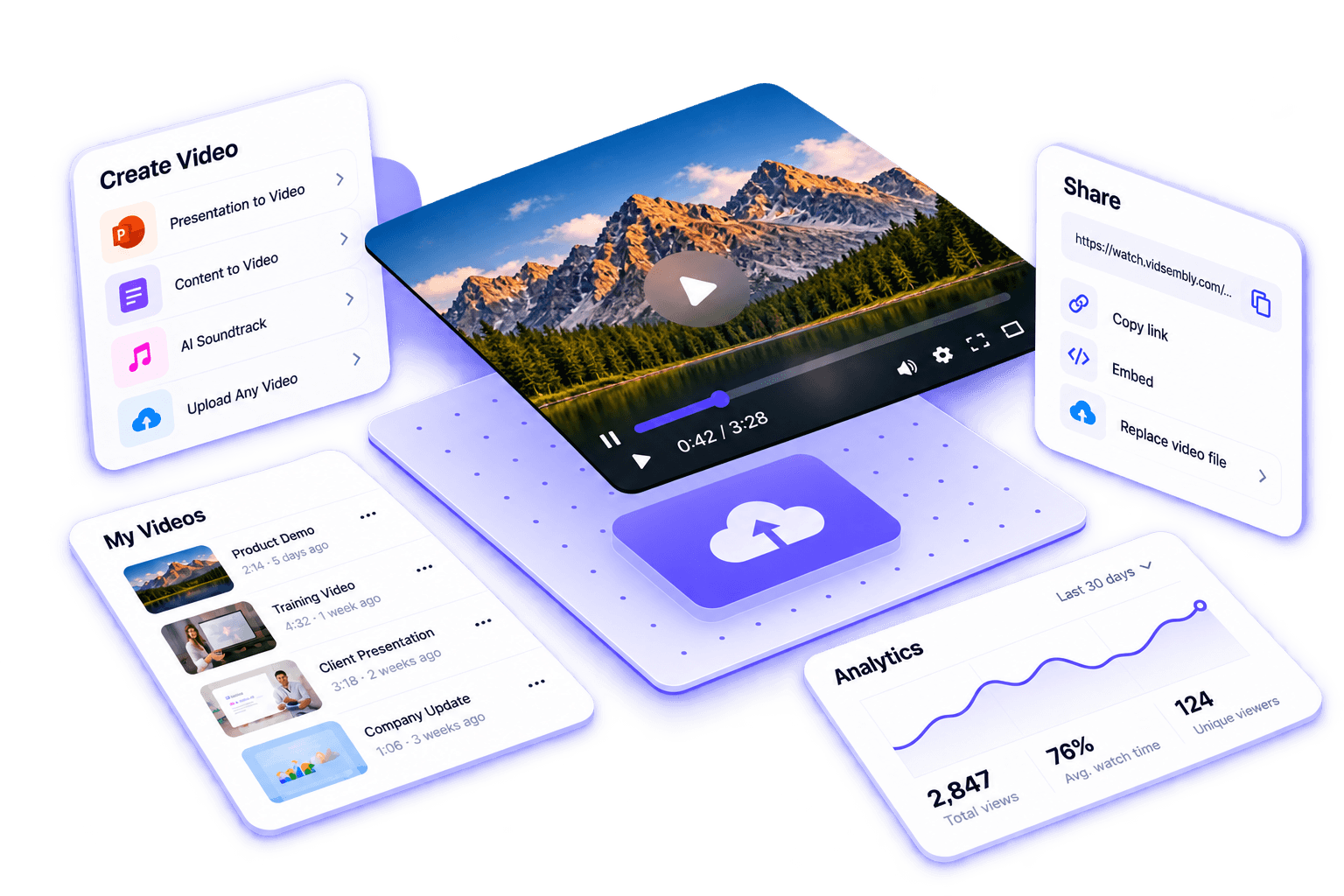
Keep uploaded videos and finished Vidsembly creations together in one place.
Simple links and embeds
Share a clean watch link or embed your video on a website, help center, LMS, or internal portal.
Track video performance
See view counts for free. Pro and Elite unlock watch time, average watched, traffic sources, and viewing trends.
How it works
Create here or bring your own video
Upload or publish
Upload an MP4, or send a finished video from a Vidsembly creation tool directly to your Videos library.
Host and share
Get a permanent watch link, embed code, and simple sharing controls.
Update and understand
Replace the video later without changing the link or embed, and track how it performs over time.
What you get
Video Hosting is included in your Vidsembly subscription. Storage limits below are for the Videos library; plan prices are for the full platform.
Key features
- Upload MP4s or send finished exports from Presentation to Video, Content to Video, and AI Soundtrack
- Share an unlisted watch link or embed the player on your site
- Custom thumbnails for the library and watch page
- Choose whether viewers can download the file
- View counts on Free; full analytics on Pro and Elite
- Storage included on every plan, with add-ons on paid plans
Plans
See PlansFree
$0
- 250 MB library storage
- Upload MP4 or add from exports
- Share links and embed player
- View counts (full analytics on paid plans)
🚀Pro
$6.99/month
or $69.99/yearly
- 50 GB library storage
- Full analytics (watch time, traffic, and trends)
- Storage add-ons (up to +2 TB)
👑Elite
$21.99/month
or $219.99/yearly
- 250 GB library storage
- Everything in Pro
Storage add-ons
Extra library storage for hosted Videos on Pro and Elite. Add or change tiers from Plans and Billing in the app. Billed monthly on your subscription.
+25 GB
$3/mo
+100 GB
$7/mo
+250 GB
$12/mo
+500 GB
$20/mo
+1 TB
$35/mo
+2 TB
$59/mo
- •Free includes 250 MB; Pro includes 50 GB; Elite includes 250 GB before add-ons.
Workflow
Works with Vidsembly creation tools
Create in Vidsembly, host in Videos, share anywhere.
FAQ
Video Hosting FAQs
Sharing, embeds, storage, and analytics.
What is Vidsembly Video Hosting?
Video Hosting is the Videos library in your Vidsembly account. You can store MP4s, share a watch page link, embed the player, and see how people engage. It works with uploads and with exports you create inside Vidsembly.
How do I get videos into the library?
Open Videos in the app and upload an MP4, or finish a project in Presentation to Video, Content to Video, or AI Soundtrack and use Add to Videos on the export step. AI Soundtrack can host the mixed video; music-only exports stay as downloads.
Can I embed hosted videos on my website?
Yes. Each hosted video has an embed snippet that points at the Vidsembly watch player (for example watch.vidsembly.com/embed/...). You control whether the player allows downloads.
Are hosted videos public on the web?
Videos are link-based, not listed in a public directory. You can share with anyone who has the link, or keep a video private to your account until you change the setting.
What analytics are included?
Free plans show total view counts in the Videos library. Pro and Elite include the full analytics dashboard: views over time, watch time, traffic sources, and related trends.
How much storage do I get?
Free includes 250 MB for hosted Videos. Pro includes 50 GB and Elite includes 250 GB. Pro and Elite can purchase storage add-ons from Plans and Billing (up to +2 TB on Pro or Elite, per the app).
Where do I manage hosted videos?
Sign in and open Videos in the app (https://run.vidsembly.com/videos). From there you can upload, edit settings, copy links, and review analytics.
Ready to host your next training or product video?
Create with Vidsembly, publish to Videos, and share a link your team can open without downloading a large file first.