


Turn slides into a fully narrated video automatically.
Turn your PowerPoints or PDFs into a professional narrated video. No mic, no editing, no experience needed.
🎁 30 Free Credits to Get Started
💬 Use Conversational Commands
💳 No Card Required to Get Started
How it Works:
1) Create a Project
Start by naming your video project. We’ll keep everything organized for you.
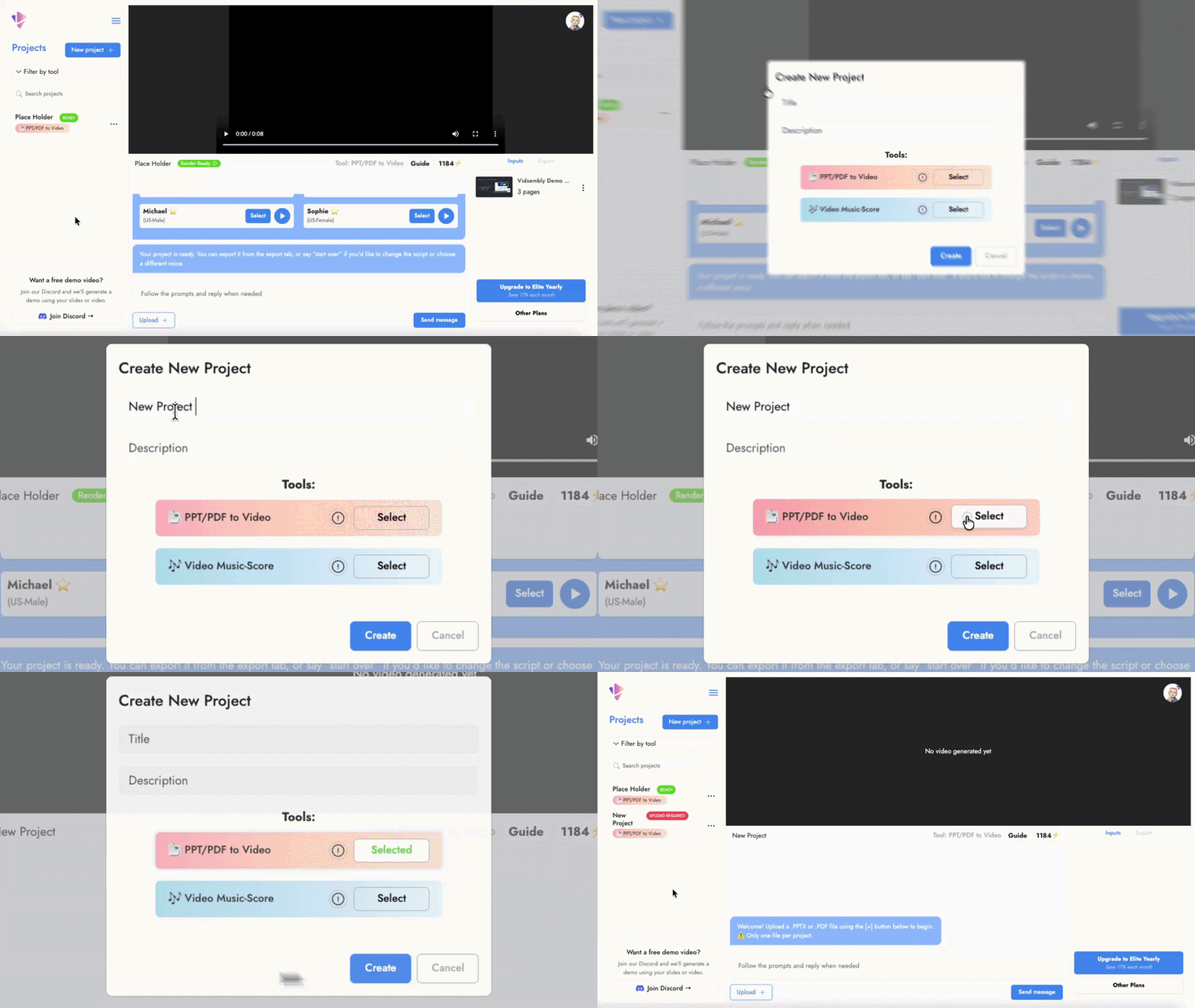
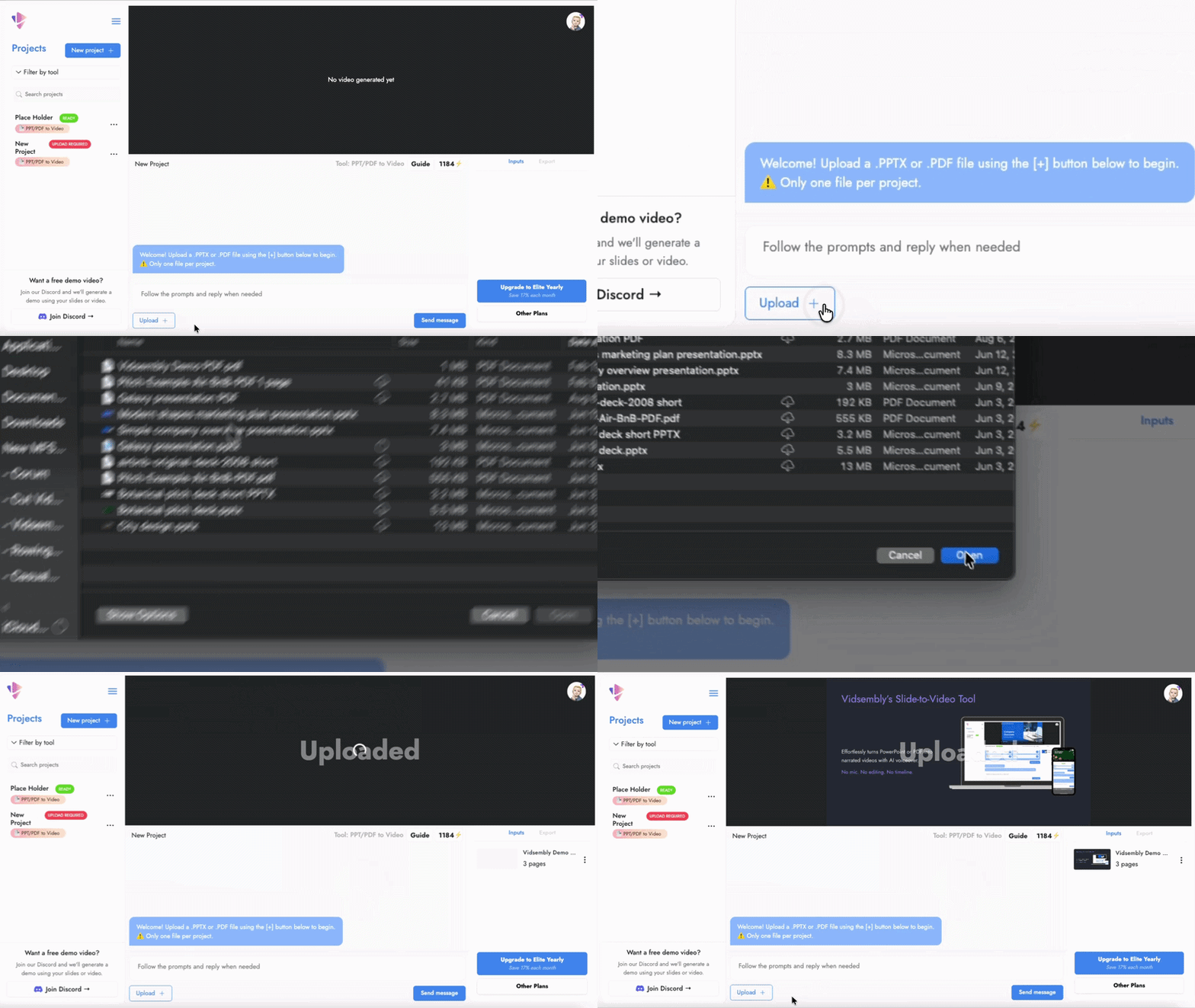
2) Upload Your .PPTX or .PDF
Drop in your document. To add narration, paste a script with one block per slide (see example).
3) Choose Voiceover (or Go Silent)
Let our AI narrate your slides or skip audio if you just want visuals.
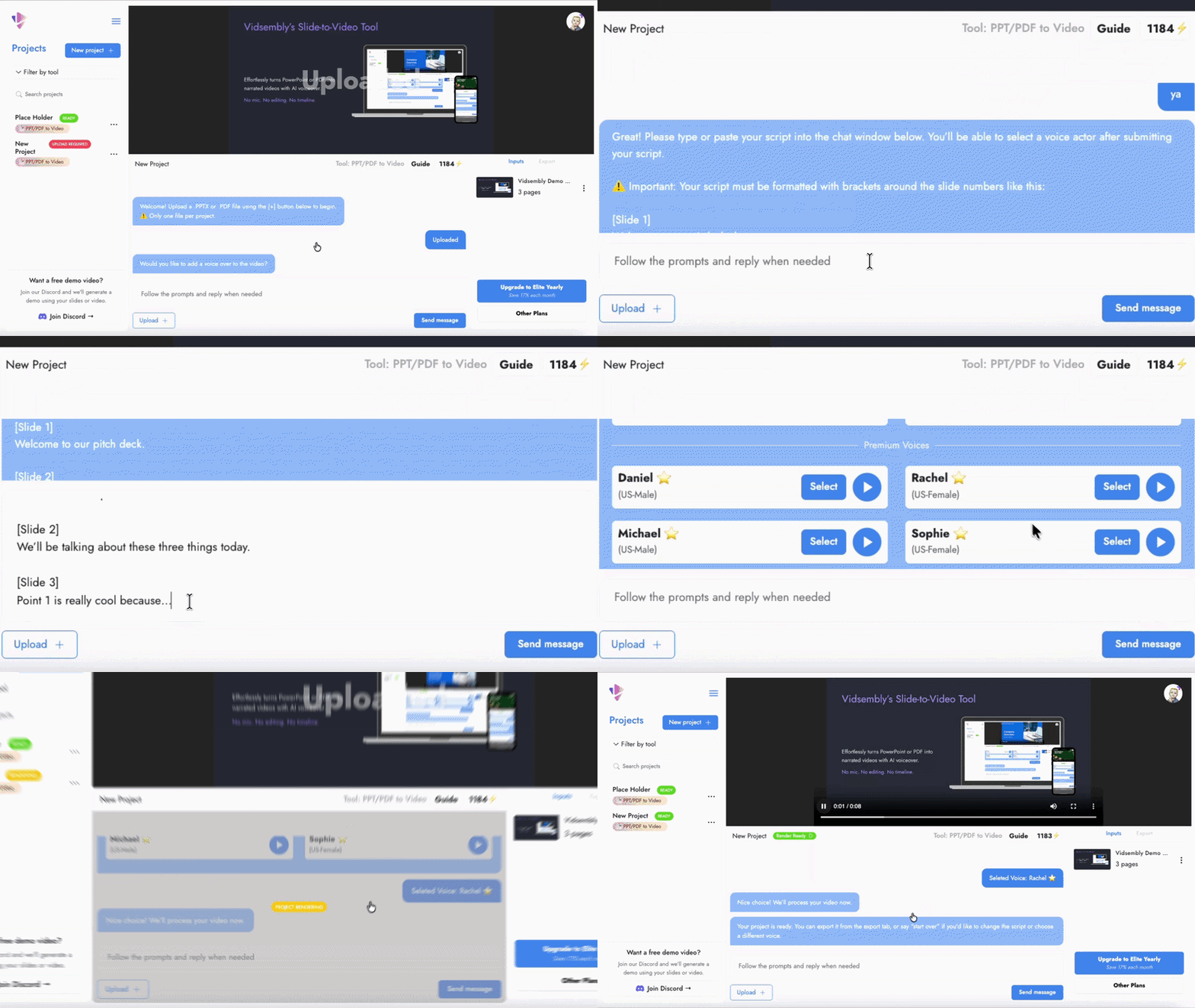
4) Export your video
Export your video, or start over with a new voice or script.

Click any voice to hear a real sample generated inside Vidsembly.
Voices
Free Voices
Premium Voices
(Paid Plan Required)
See a Real Output from Vidsembly:
This video was made entirely using Vidsembly.
We uploaded a PowerPoint, added a script, and let our AI take care of the narration and video generation.
"I needed to create a video fast, and Vidsembly delivered. The platform is incredibly easy to navigate, and the chatbox interface made it simple to plug in the script I already had. The video quality was great, and I loved the diverse selection of AI voices!"
- Real user story from Reddit
Reviews:
Feedback?
Help us improve Vidsembly.
Tried the tool? We’d love to hear what you think — even a quick note helps.