

Outcome-Driven AI Video Tools.

Designed to remove friction from common video workflows through clear, predictable outputs.
🎁 30 Free Credits to Get Started
🎓 No Editing Experience Required
💳 No Card Required to Get Started

Our new Video Music-Score tool is now live!
Generate a custom, copyright-cleared and royalty-free music track and have it automatically fit to your MP4 video. You can choose a style, preview the result, adjust volume or fades, and export your video with the new music when ready.
How Vidsembly Works:
1) Create a Project
Create a project and choose the tool you want to use.
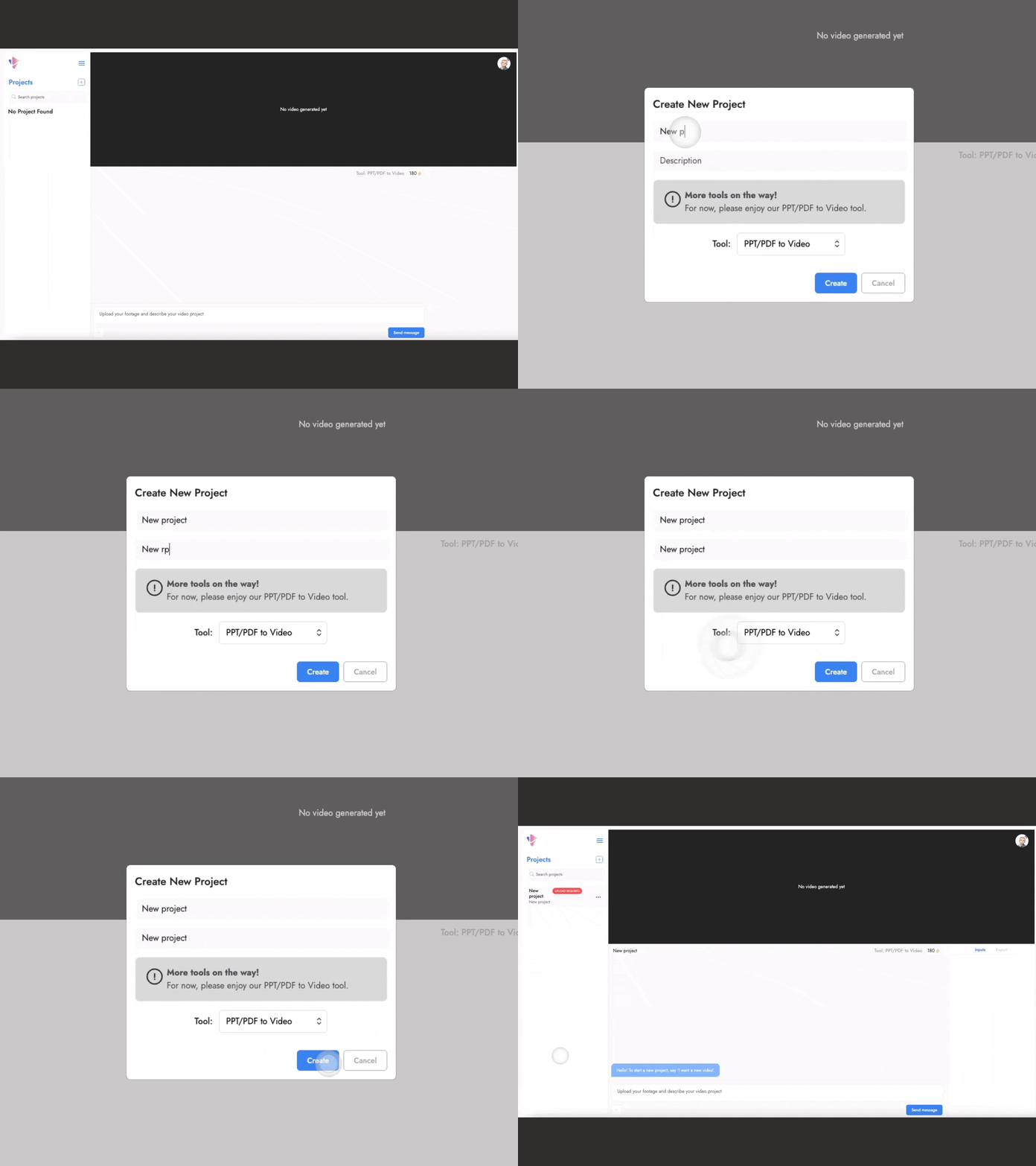
2) Upload your file
Add the file needed for that tool (MP4, PowerPoint, PDF, etc).

3) Follow the prompts
Respond when prompted and let the tool execute the transformation
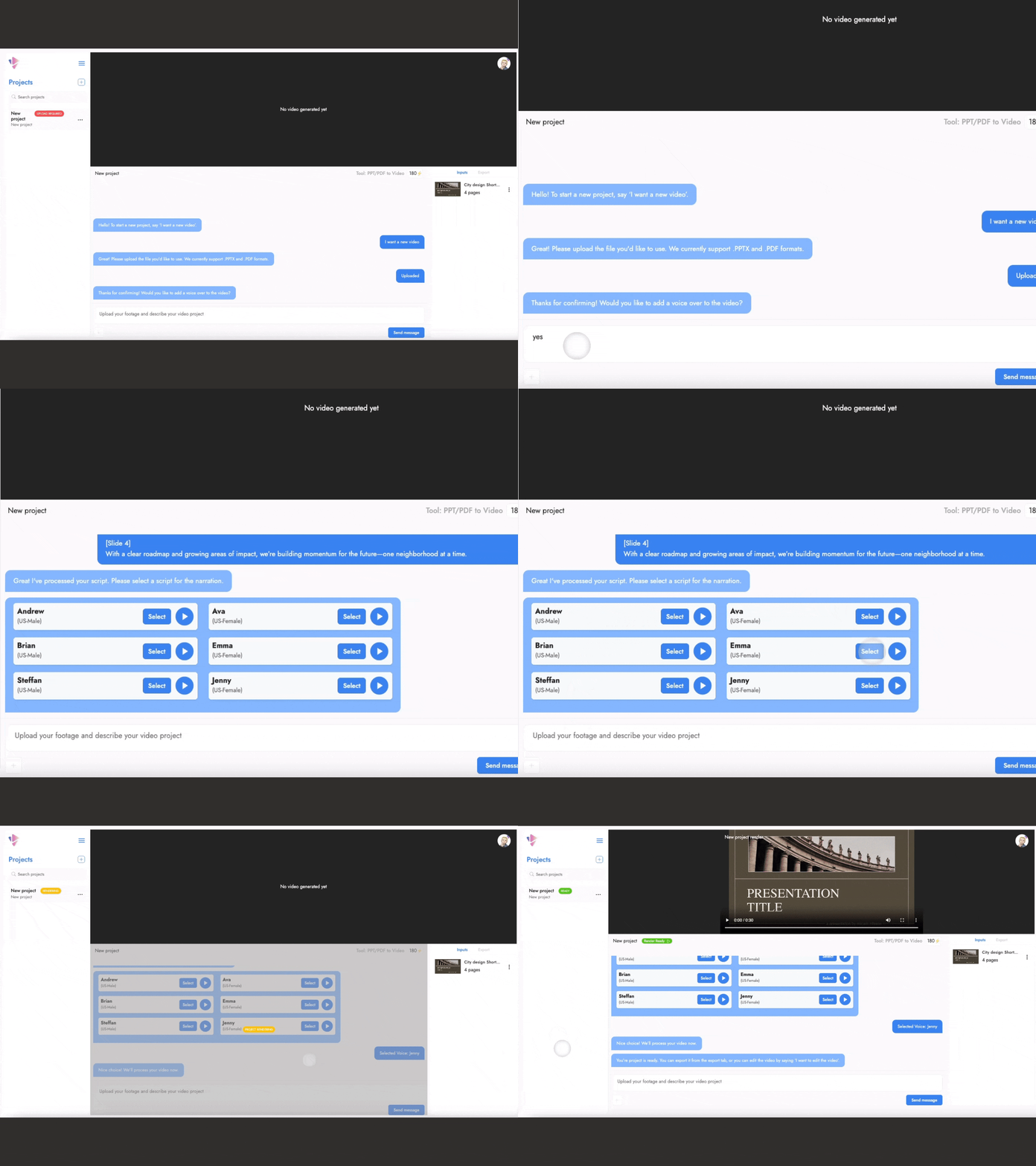
4) Export when ready
Preview your result, make small tweaks, and export the finished video.

One interface. Every tool.
Every Vidsembly tool is controlled through the same consistent conversational interface. Once you learn one workflow, you can use them all. No new tools to learn. No switching contexts. No surprises.
Pricing
One subscription for all tools on our platform.
Free
30 Credits One-Time
Watermarked exports

Pro
300 Credits/Month
Premium Voices Included
or save ~17% on a yearly plan!

Elite
1200 Credits/Month
Premium Voices Included
Priority Support
or save ~17% on a yearly plan!

How Credits Work ⚡
Credits are charged during the usage of every tool.
Paid plan users will have their credit balance refilled to its credit limit each month (300 for Pro, 1200 for Elite).
Credit balances above your plan limit remain available (they aren’t reduced or reset).
Minimum charge is 1 credit per render.
Durations are rounded up (e.g., 1:01 = 2 credits on the PPT/PDF to Video Tool).
Your credits don’t expire and will work across all future Vidsembly tools.
Current usage rates for tools:
PPT/PDF to Video: 1 credit = 1m of rendered video
Video Music-Score: 5 credits = 15s of generated music
Our Tools:

PPT/PDF to Video
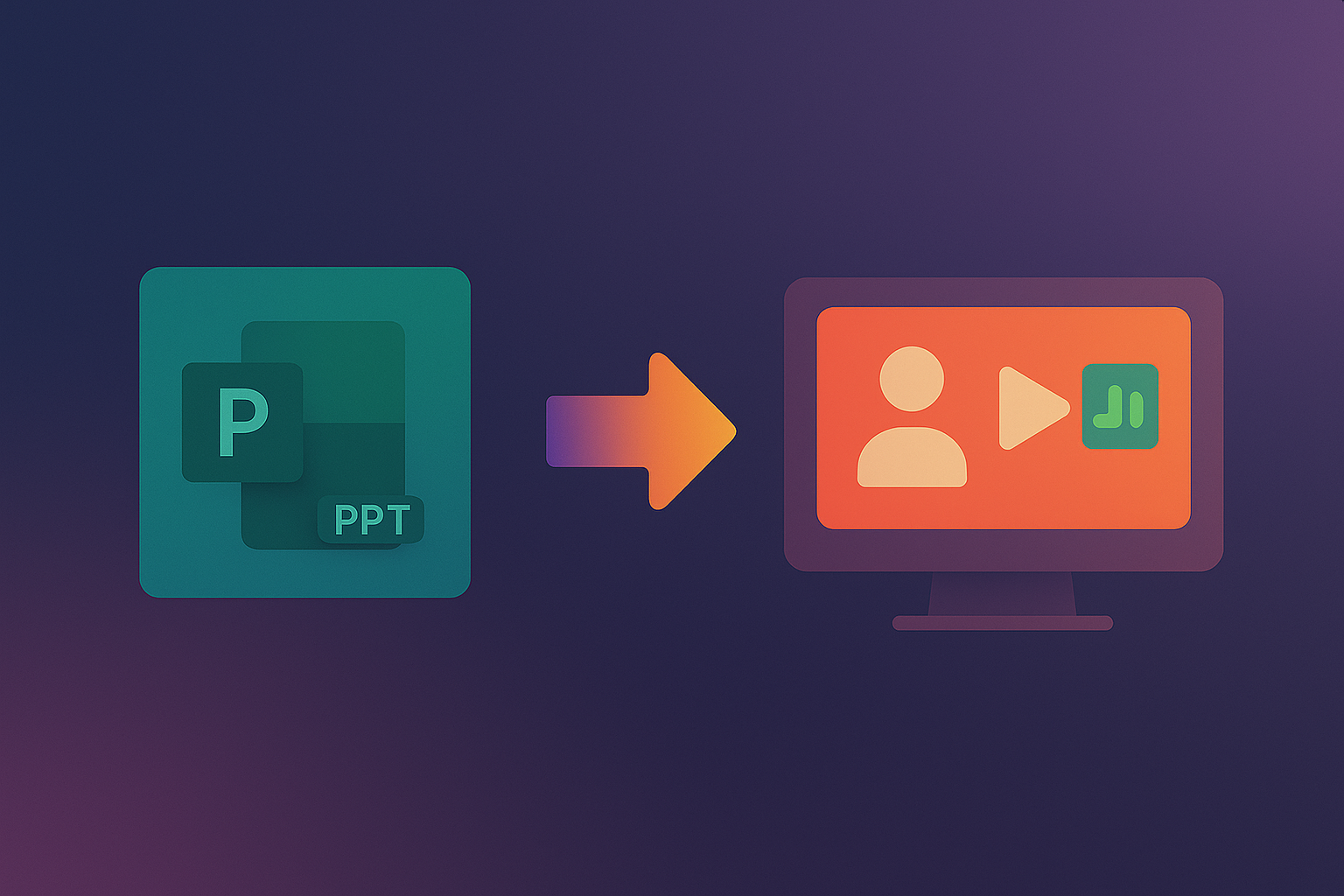
Turn your PowerPoints or PDFs into a professional narrated video. No mic, no editing, no experience needed.

Video Music-Score
Generate a custom, copyright-free music track and have it automatically fit your MP4 video. Choose a style, preview the result, adjust volume or fades, and export when ready.
Blog:




Feedback?
Help us improve Vidsembly.
Tried the tool? We’d love to hear what you think — even a quick note helps.